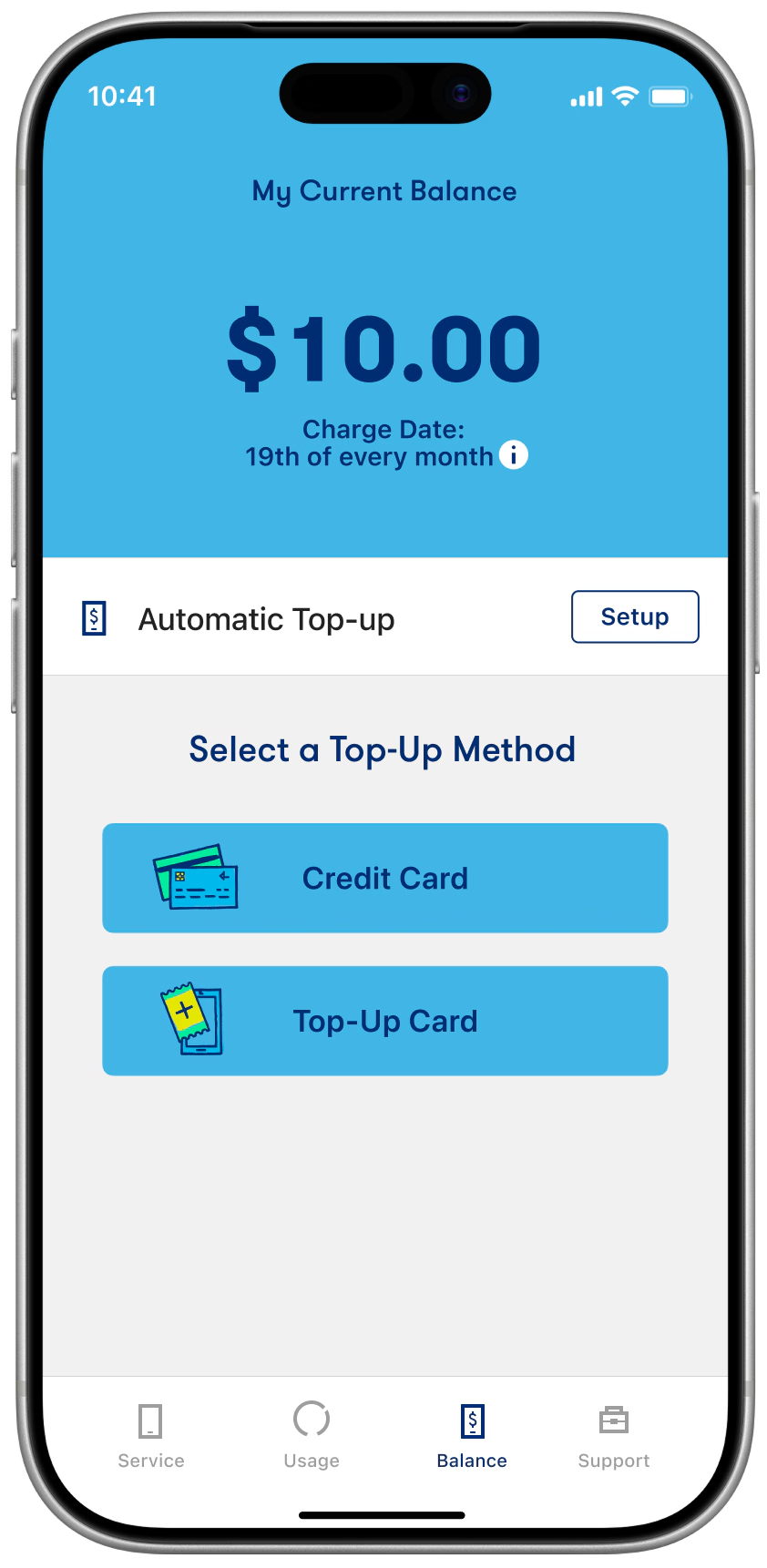
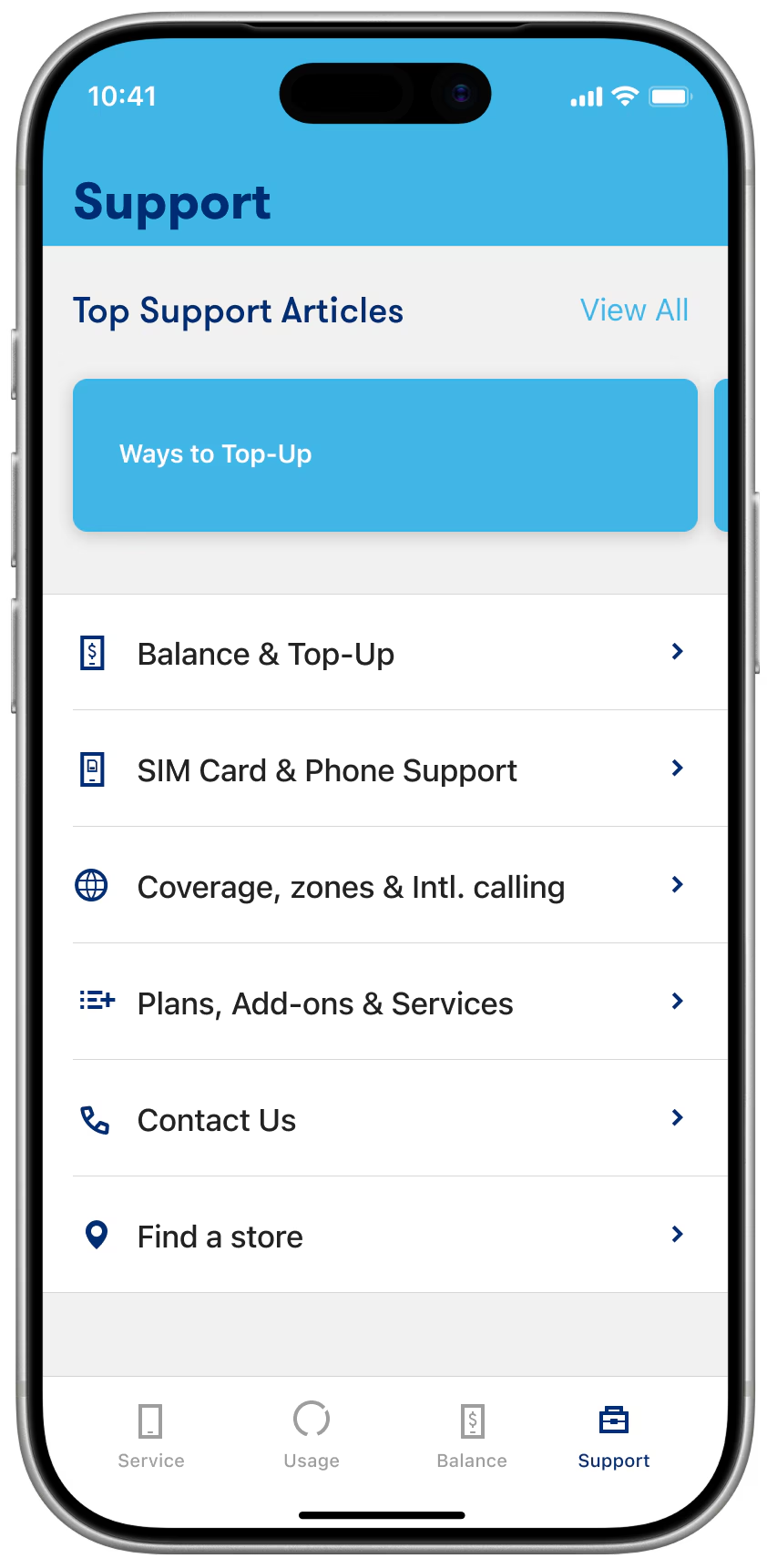
Download the Lucky Mobile app

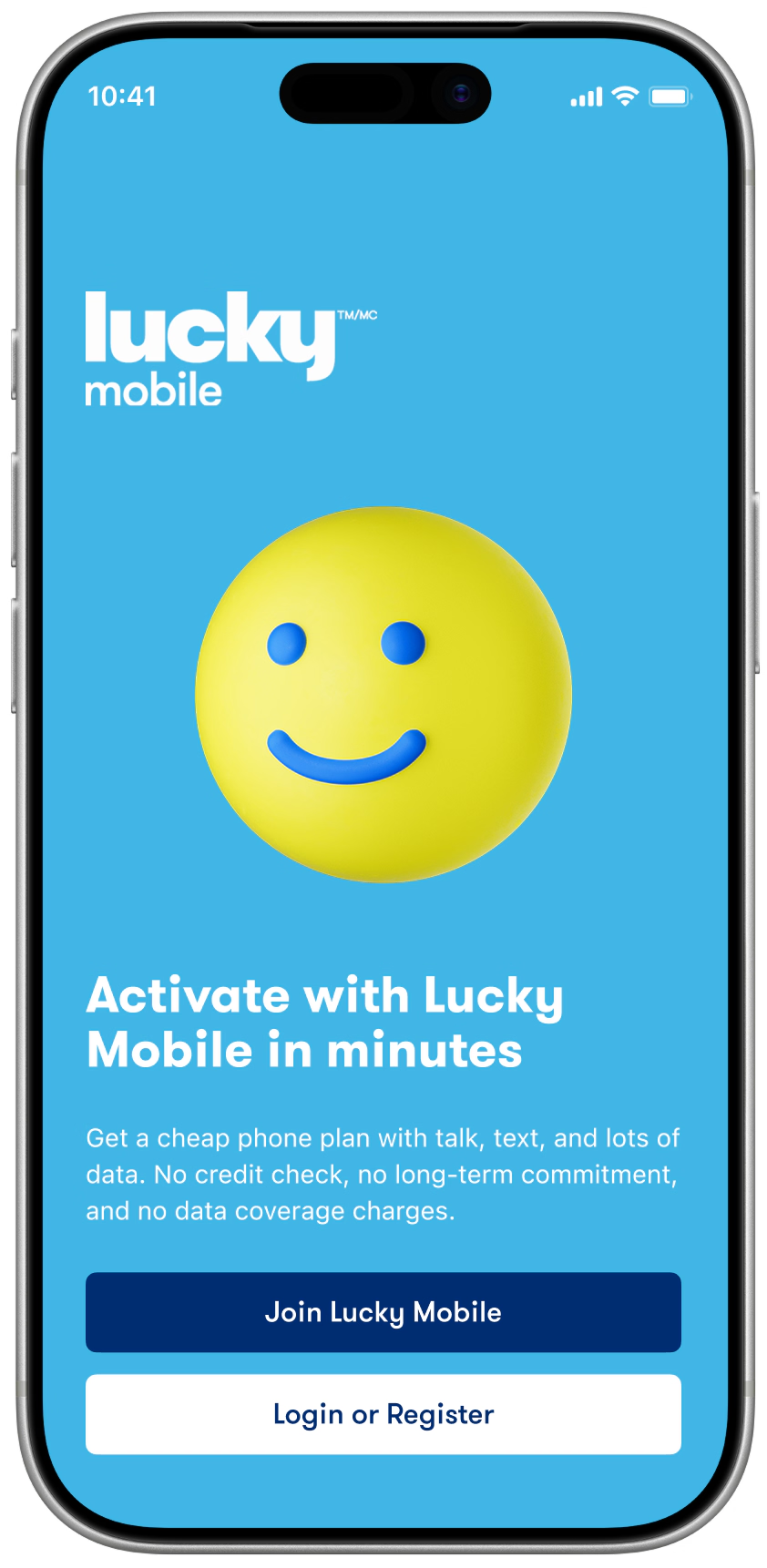
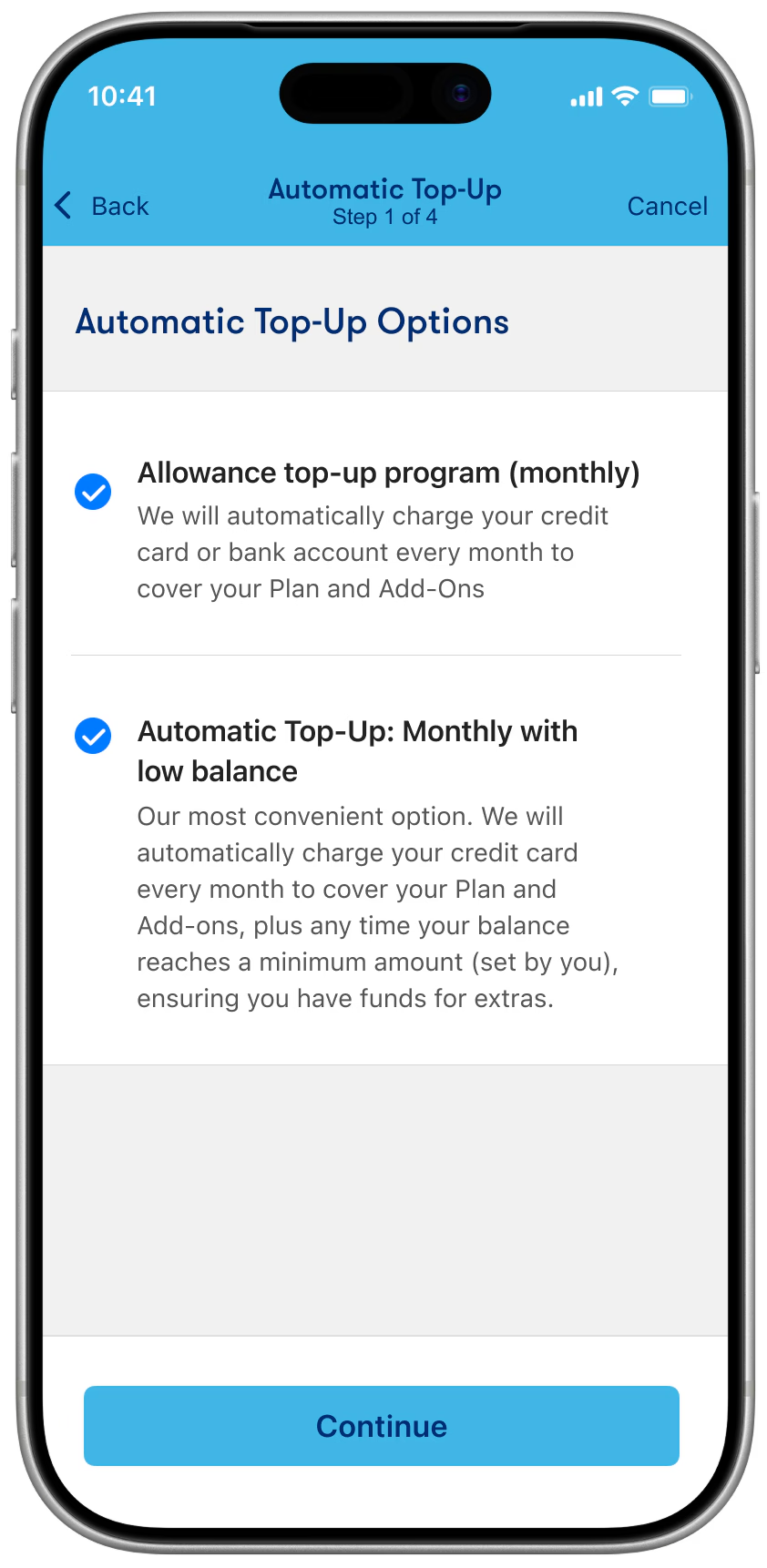
The award-winning Lucky Mobile My Account app lets you manage your account 24/7, wherever you are, right on your phone.

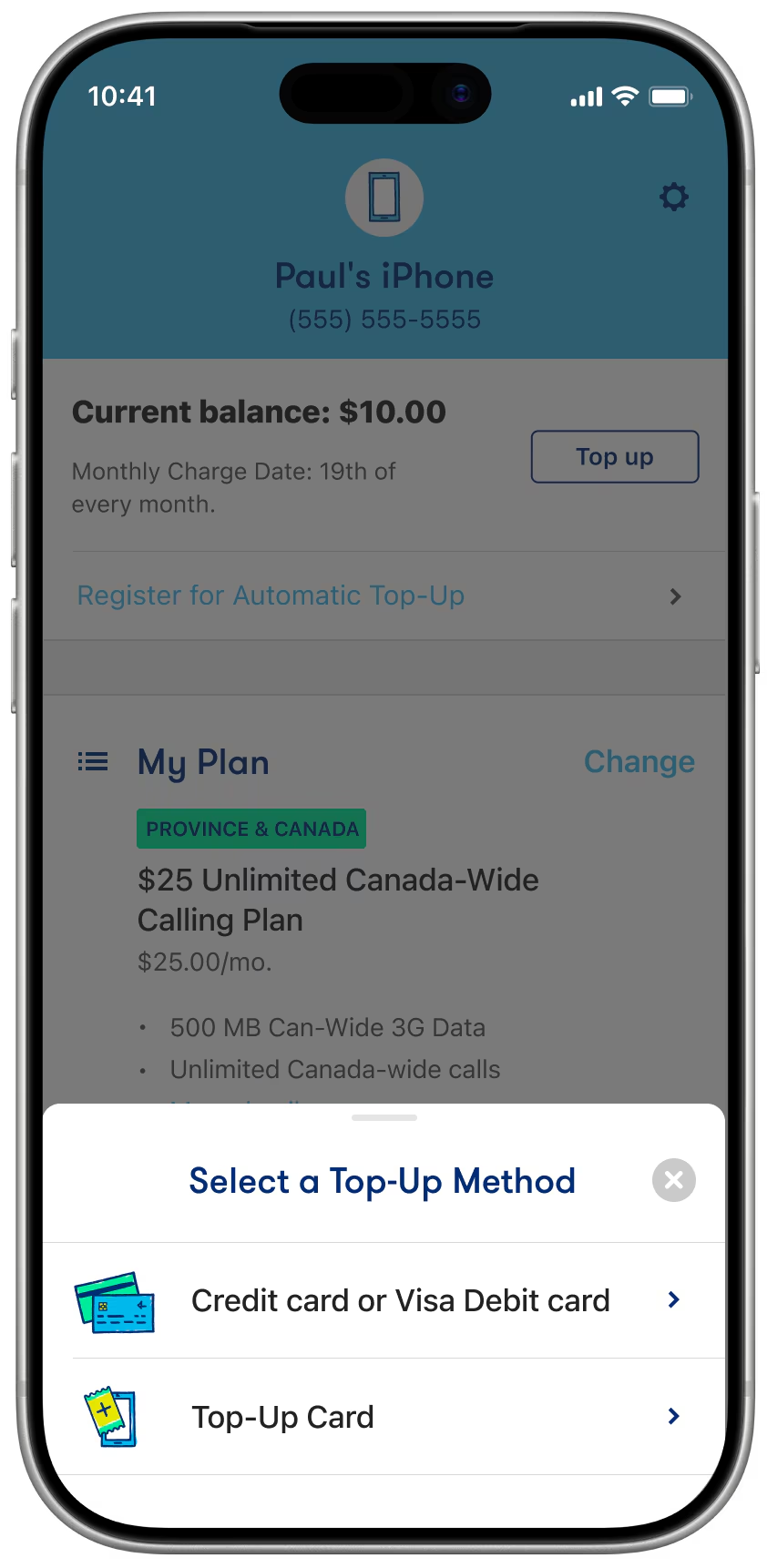
  • Check balance
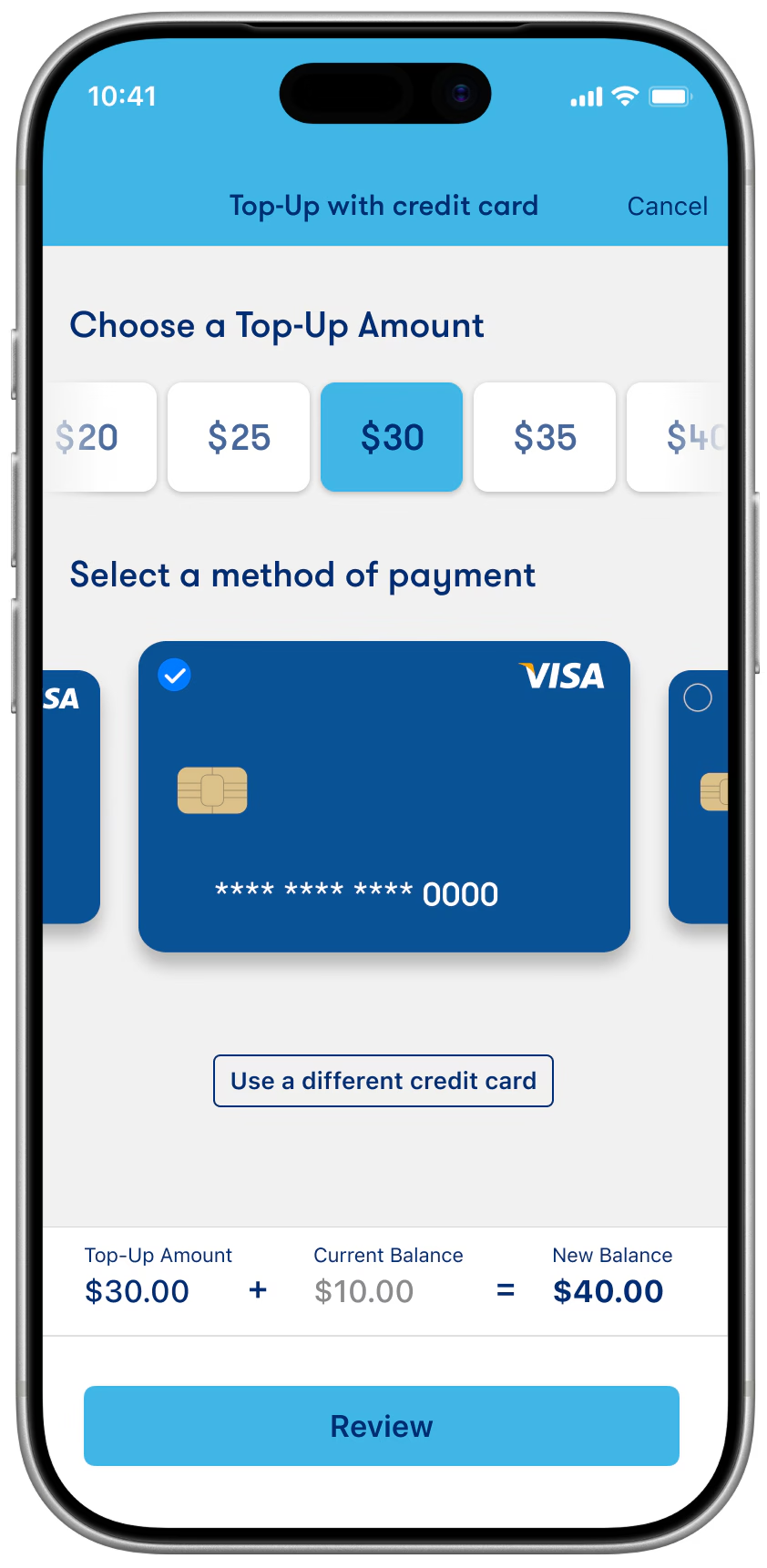
  • Top-Up account
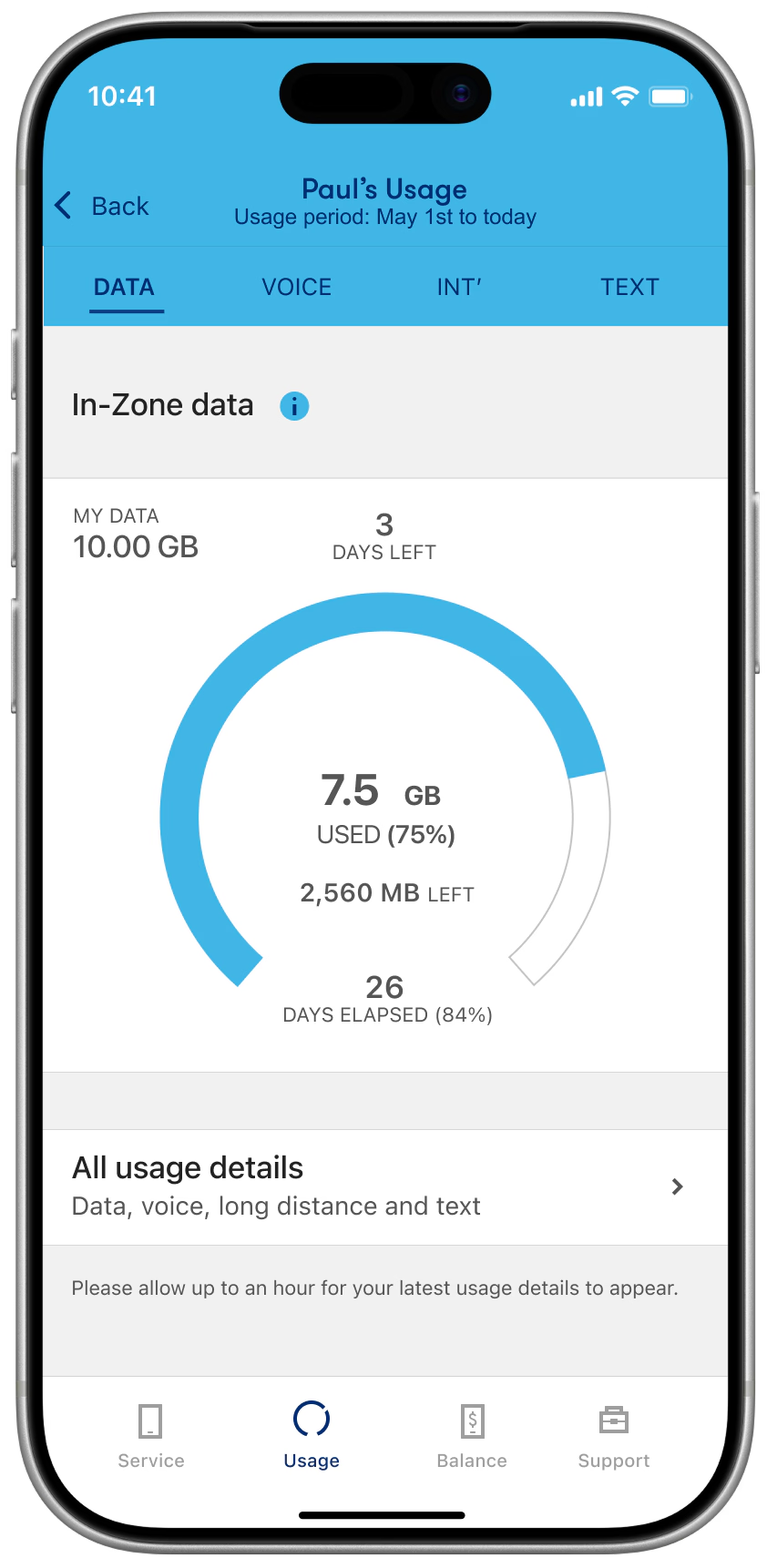
  • Monitor usage
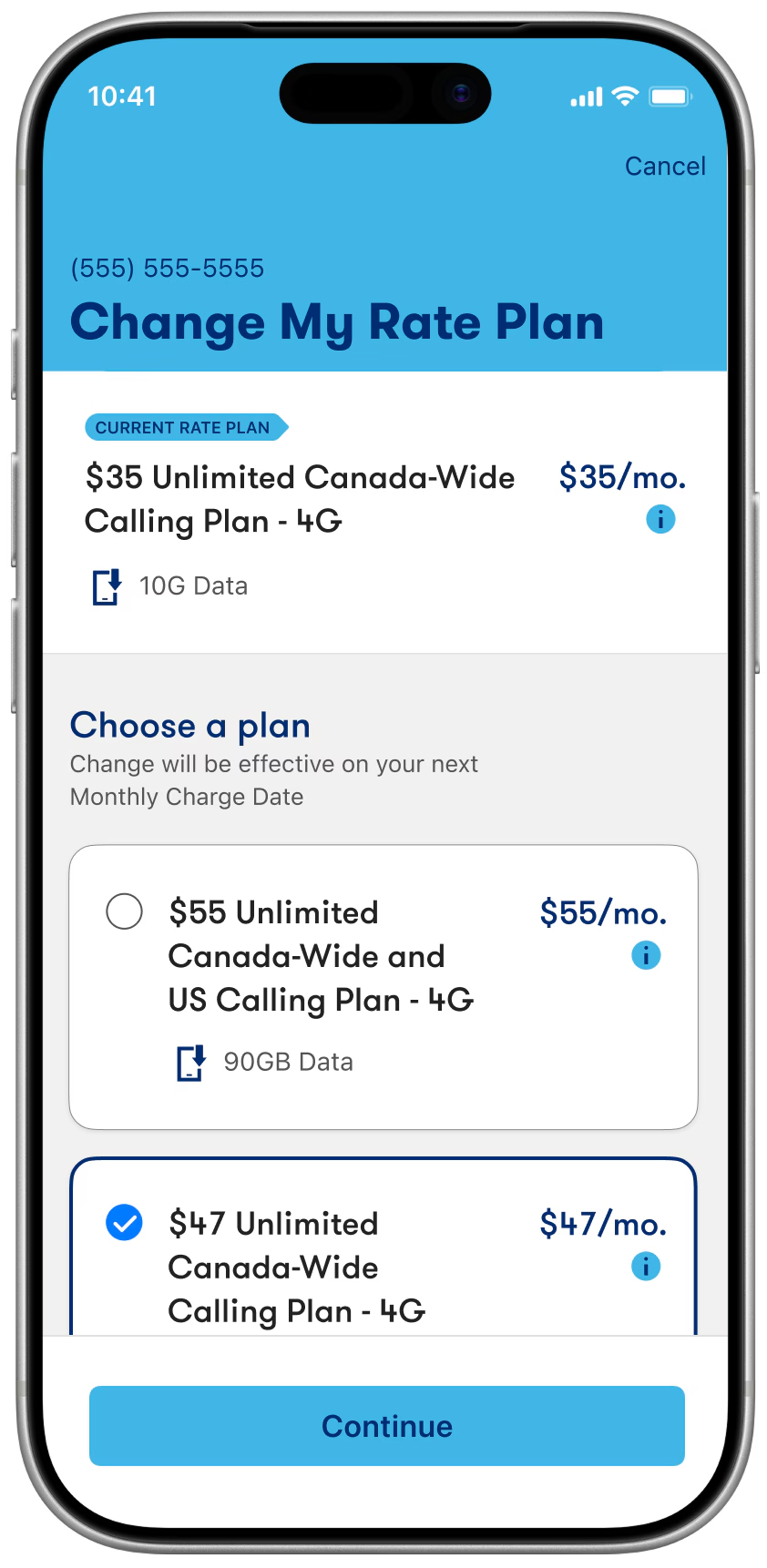
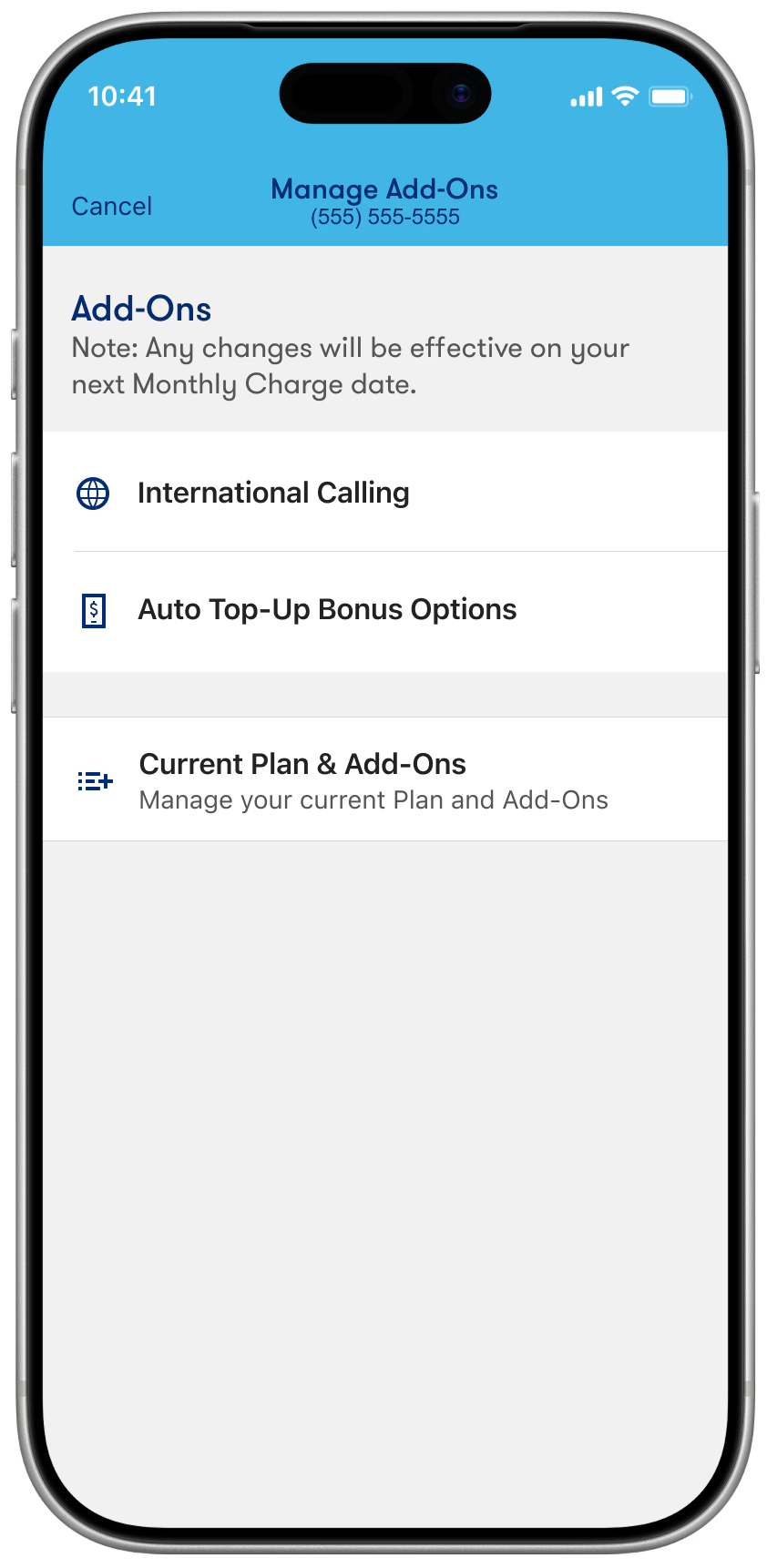
  • Manage plan & add-ons
  • WMA MobileWebAward logo 2019 WMA MobileWebAward for Best Telecommunication Mobile Application
  • AVA Digital Awards logo 2022 AVA Digital Awards Gold Winner

Frequently asked questions

If you are on the Lucky Mobile network, your device will recognize your phone number and grant you immediate access to the app – no username or password needed. If you are not on the Lucky Mobile network, or you want to manage a different Lucky Mobile account with the app, you can use your My Account credentials to access the app. Haven’t signed up to My Account yet? Sign up for My Account now.

No. The app is free, and using it doesn’t require any data. Please note that the initial download of the app requires data. We recommend that you connect to a Wi-Fi network to download the app if you don’t have data in your Plan.

Should you wish to make a change to your account that is not supported by the app at this time, you can log in to My Account. Check the list of your Self serve options.

  1. A smartphone capable of downloading the app.

    • Android smartphones with Android 6.0 or higher
    • iPhone with iOS 9.0 or higher

  2. A valid Lucky Mobile account.